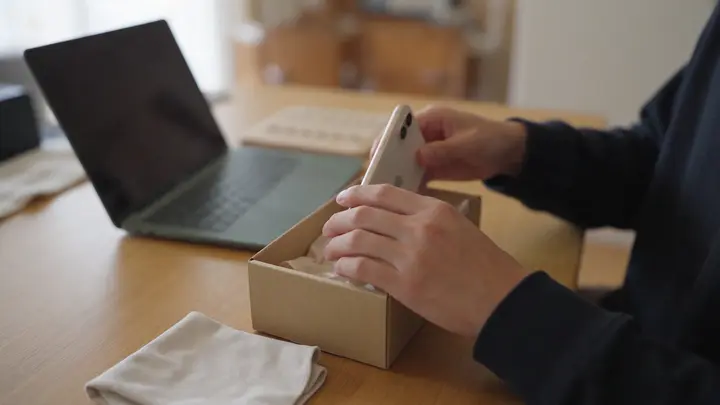
Back up Private Photos Without Handing Them to the Cloud
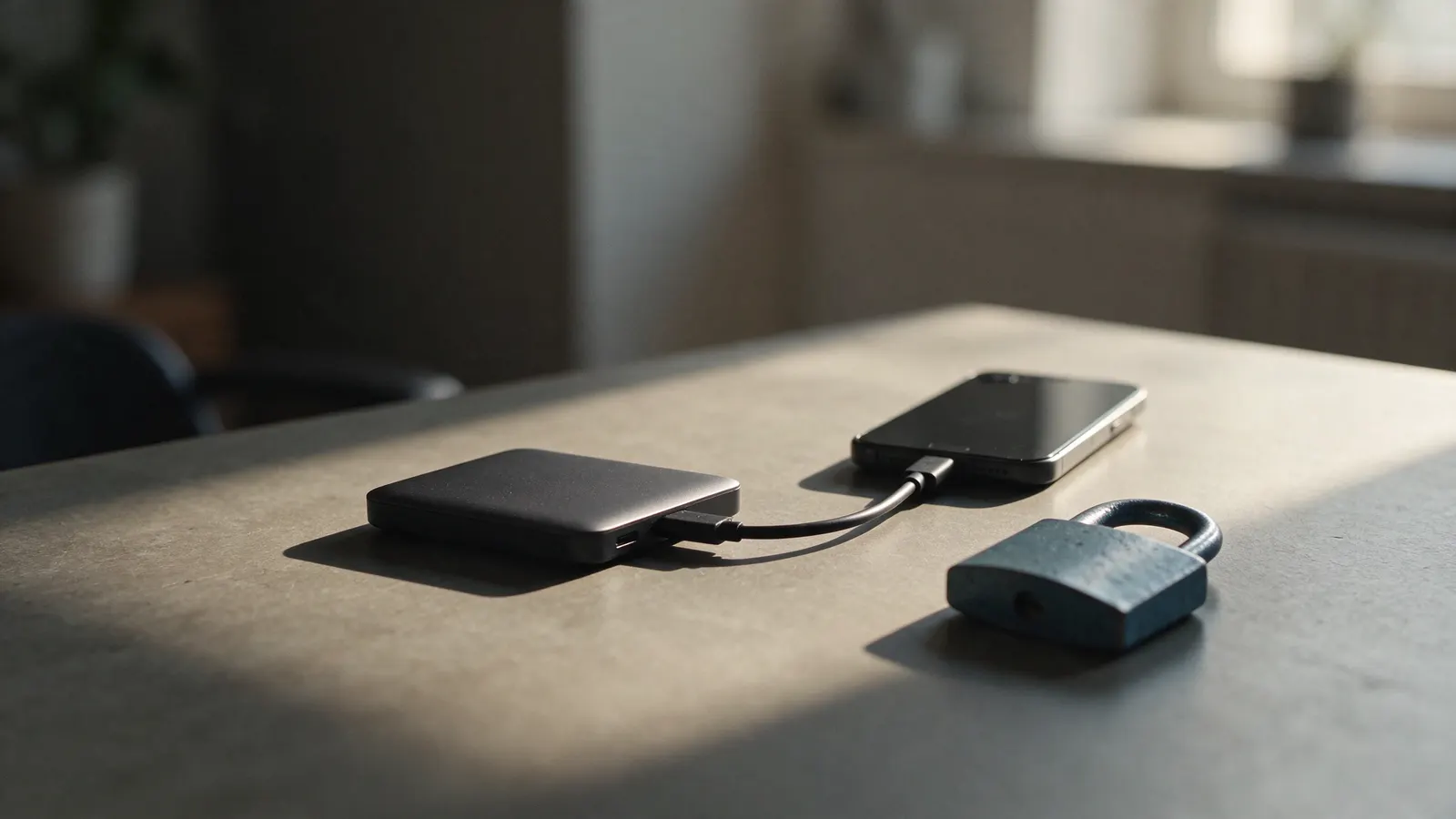
Encrypt before the photos leave your phone. On iPhone you have three good options: turn on Advanced Data Protection so iCloud Photos and backups are end-to-end encrypted, make encrypted backups to your own computer, or keep private photos in a vault that saves its own encrypted backup file. In each case the copy in the cloud or on a drive is useless to anyone without your key.
Why Backups Are the Weak Spot
People protect the phone and forget the backup. But a backup is a full copy of your photos, sitting on a server or a drive you don't watch every day. Accounts get phished, laptops get stolen, and providers can be compelled to hand over what they can read.
The fix is simple to say: the backup should be encrypted with a key that only you have. Here are three ways to get there on an iPhone.
Option 1: Advanced Data Protection for iCloud
By default, iCloud Photos and iCloud Backup are encrypted, but Apple holds the keys. That lets Apple help you recover your account, and it means Apple could access the data or be required to hand it over.
Advanced Data Protection changes that. With it on, iCloud Photos, iCloud Backup and most other iCloud data are end-to-end encrypted, and only your trusted devices hold the keys. Turn it on in Settings > [your name] > iCloud > Advanced Data Protection.
Know the trade-offs before you do:
- You need a recovery contact or a recovery key, because Apple can no longer help you recover the data.
- Shared Albums aren't covered, and some metadata, like which photos are marked hidden or favourite, stays under standard protection.
- Anyone who can unlock one of your devices or sign in to your account still sees everything. End-to-end encryption protects against the server, not against your passcode.
- It isn't available in every country.
Option 2: Encrypted Backups to Your Computer
Connect the iPhone to a Mac (Finder) or a PC (Apple Devices or iTunes) and tick Encrypt local backup. The backup is encrypted with a password you choose. Without it, nobody can read the backup, and if you lose the password, neither can you, so store it somewhere safe.
This keeps everything off the cloud entirely, which some people prefer for the most private material. The downside: you have to remember to do it, and the drive itself can fail or be lost, so ideally keep two.
Option 3: A Vault That Backs Itself up, Encrypted
A good vault encrypts photos on the phone and backs them up as an already-encrypted file, to iCloud Drive, another cloud or a file you save yourself. The provider stores bytes it can't read. Even with Advanced Data Protection off, the vault's backup stays private, because the key never leaves your hands.
This is also the only option that keeps private photos private from someone who can unlock your phone or your Apple Account. With options 1 and 2, the backup restores into the normal Photos library.
Which One Should You Use?
- For your whole library: Advanced Data Protection, if you're comfortable managing a recovery key.
- For people who want no cloud at all: encrypted computer backups, made regularly.
- For the photos that would hurt if seen: a vault with encrypted backup, on top of either of the above.
Test Your Backup
A backup you've never restored is a hope. Once in a while, check that you can open it: restore a vault backup on an old device, or look at the date of your last encrypted computer backup. And check that your recovery key or phrase is where you think it is.
Where Hidero Fits
Hidero backs up as an encrypted file, either automatically to iCloud or as an export you save anywhere. iCloud stays off until you turn it on, and even then Apple only gets a file it can't read. To restore, you need the backup and your recovery phrase. Hidero is coming to the App Store in January 2027.
Questions
Are iCloud Photos end-to-end encrypted?
Only with Advanced Data Protection turned on. By default iCloud Photos are encrypted with keys Apple holds.
Is an iPhone backup encrypted?
iCloud Backups are encrypted, with Apple holding the keys unless Advanced Data Protection is on. Backups to a computer are encrypted only if you tick Encrypt local backup.
Can I back up a photo vault to iCloud?
Many vaults can. Check that the vault uploads an encrypted file, not your photos in the clear, and that restoring needs your own code or recovery phrase.
What happens if I lose my Advanced Data Protection recovery key?
If you also lose access to your devices and have no recovery contact, Apple can't help you recover the end-to-end encrypted data. Keep the key on paper and set up a recovery contact.
Sources
- Apple Support: iCloud data security overview
- Apple Support: How to turn on Advanced Data Protection for iCloud
- Apple Platform Security: Advanced Data Protection for iCloud