Hidden Album vs Photo Vault: What Each One Actually Stops
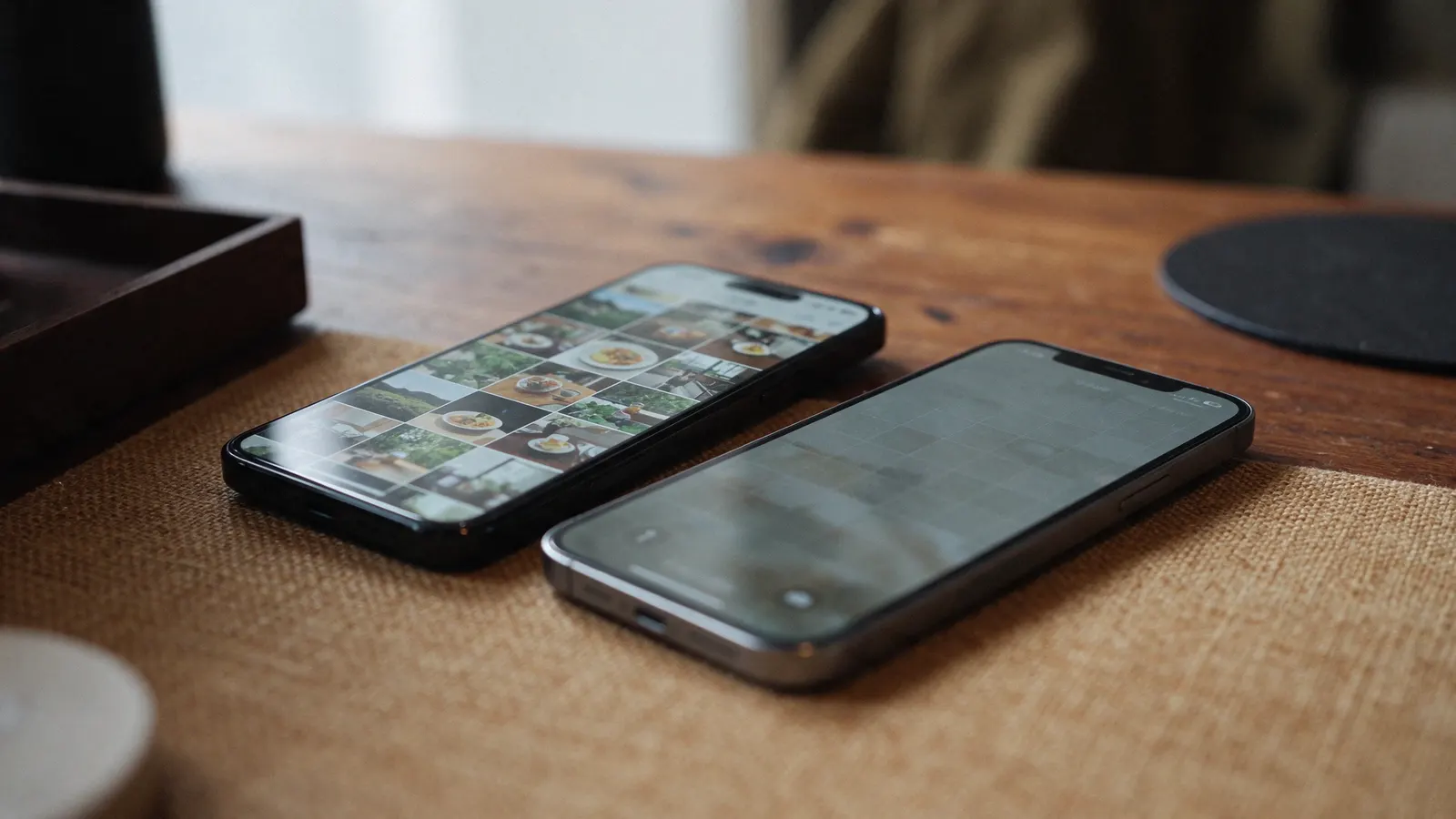
The Hidden album hides photos from your library and asks for Face ID, but your phone passcode opens it and the photos sync with iCloud like everything else. A real photo vault encrypts photos with its own code, so knowing your passcode isn't enough. Use the Hidden album to avoid awkward moments, and a vault for photos that must stay private from people close to you.
They Solve Two Different Problems
The Hidden album is built for one thing: keeping certain pictures out of your main library, Memories and widgets, so they don't pop up while you're scrolling or showing someone your holiday. It does that well.
A photo vault is built for a harder problem: keeping pictures private from someone who can already unlock your phone. That's a partner who knows your passcode, a family member on a shared iPad, or someone who has your phone in their hands with your permission.
Most confusion comes from treating the first as if it solved the second.
Side by Side
- What opens it. Hidden album: Face ID, Touch ID or the device passcode. Vault: its own code, separate from the passcode (Face ID is optional on top, in good vaults).
- Encryption. Hidden album: protected by the iPhone's normal data protection, the same as every other photo. Vault: encrypted again inside the app with its own key, if the vault is any good.
- iCloud. Hidden album: syncs through iCloud Photos to every device on your account, still marked hidden. Vault: depends on the app. Some sync to their own servers, some to iCloud as an encrypted file, some not at all.
- Search, Memories, widgets. Hidden album: kept out. Vault: never there in the first place.
- If you forget the code. Hidden album: your passcode still works. Vault: depends on the recovery method, which is where vaults differ most.
- Who it stops. Hidden album: a casual swipe. Vault: a casual swipe, someone who knows your passcode and, if the encryption is real, someone with a copy of your files.
The Passcode Problem
On iPhone the device passcode is a master key. If Face ID fails or is skipped, the passcode opens the Hidden album, Recently Deleted, locked apps and most of what's on the phone. In a relationship or a family, the passcode is often the least secret thing about you. People watch you type it hundreds of times.
A vault breaks that chain. Its code isn't stored with the passcode and can't be reset by it, so even someone who knows your passcode, or forces you to unlock the phone, hits a second wall.
The iCloud Question
With iCloud Photos on, hidden photos are uploaded like every other photo. By default Apple holds the keys to iCloud Photos, which means Apple could technically access them and could be compelled to. If you turn on Advanced Data Protection, iCloud Photos become end-to-end encrypted and Apple can't read them, but anyone who can sign in to your Apple Account and unlock a trusted device still sees your library.
A vault that keeps its own encryption adds a layer on top. Even if someone gets your iCloud data, a vault backup stays an unreadable file without the vault's code.
When the Hidden Album Is Enough
Honestly, often. Use it when:
- You want a few pictures out of Memories and featured photos.
- You hand your phone to friends to look at pictures and don't want an accidental swipe.
- Nobody else knows your passcode, and nobody else uses your devices.
When You Need a Vault
- Someone close to you knows, or could easily learn, your passcode.
- You share an iPad, a Mac or an Apple Account with family.
- The photos would cause real harm if seen: intimate pictures, medical photos, ID documents, evidence you're collecting.
- You want a backup that stays encrypted wherever it's stored.
What to Look for in a Vault
Not every app with "vault" in its name encrypts anything. Before you move photos, check that it encrypts on the device, needs no account or email, has an honest recovery story, and lets you export everything. Our six checks for photo vault apps explain each one.
Hidero, the vault we make, encrypts every photo on the iPhone with its own key and ties part of the vault key to the iPhone's security chip. It opens with your own code (a pattern, a passphrase, emoji and more) and recovers only with a recovery phrase, never by email. It's coming to the App Store in January 2027.
Questions
Does the Hidden album encrypt photos?
Not separately. Hidden photos get the same device encryption as the rest of your library, and they open with the same passcode. Hiding changes where a photo is shown, not how it's protected.
Can I put a different password on the Hidden album?
No. The Hidden album uses Face ID, Touch ID or the device passcode, and there's no separate password for it. For a separate code, you need a vault app or a locked note with its own password.
Is a photo vault app safer than the Hidden album?
A vault that really encrypts, with its own code and no account, is safer against people who know your passcode and against copied backups. A vault that only hides files behind a PIN can be weaker than the Hidden album, so check before you trust one.
Do hidden photos show on my iPad and Mac?
Yes, if iCloud Photos is on. They stay in the Hidden album there too, locked behind that device's passcode or password.
Sources
- Apple Support: Hide photos with the Hidden album
- Apple Support: iCloud data security overview
- Apple Platform Security: Advanced Data Protection for iCloud