How to Protect Your Photos Before an iPhone Repair
Back up the iPhone first. Then move private photos into an encrypted vault with its own code, delete the originals and empty Recently Deleted. The repair shop may need your passcode to test the phone, and that passcode opens the Hidden album, Recently Deleted and locked apps. A vault's separate code keeps those photos closed even while the phone is on someone else's bench.
Why the Passcode Matters so Much
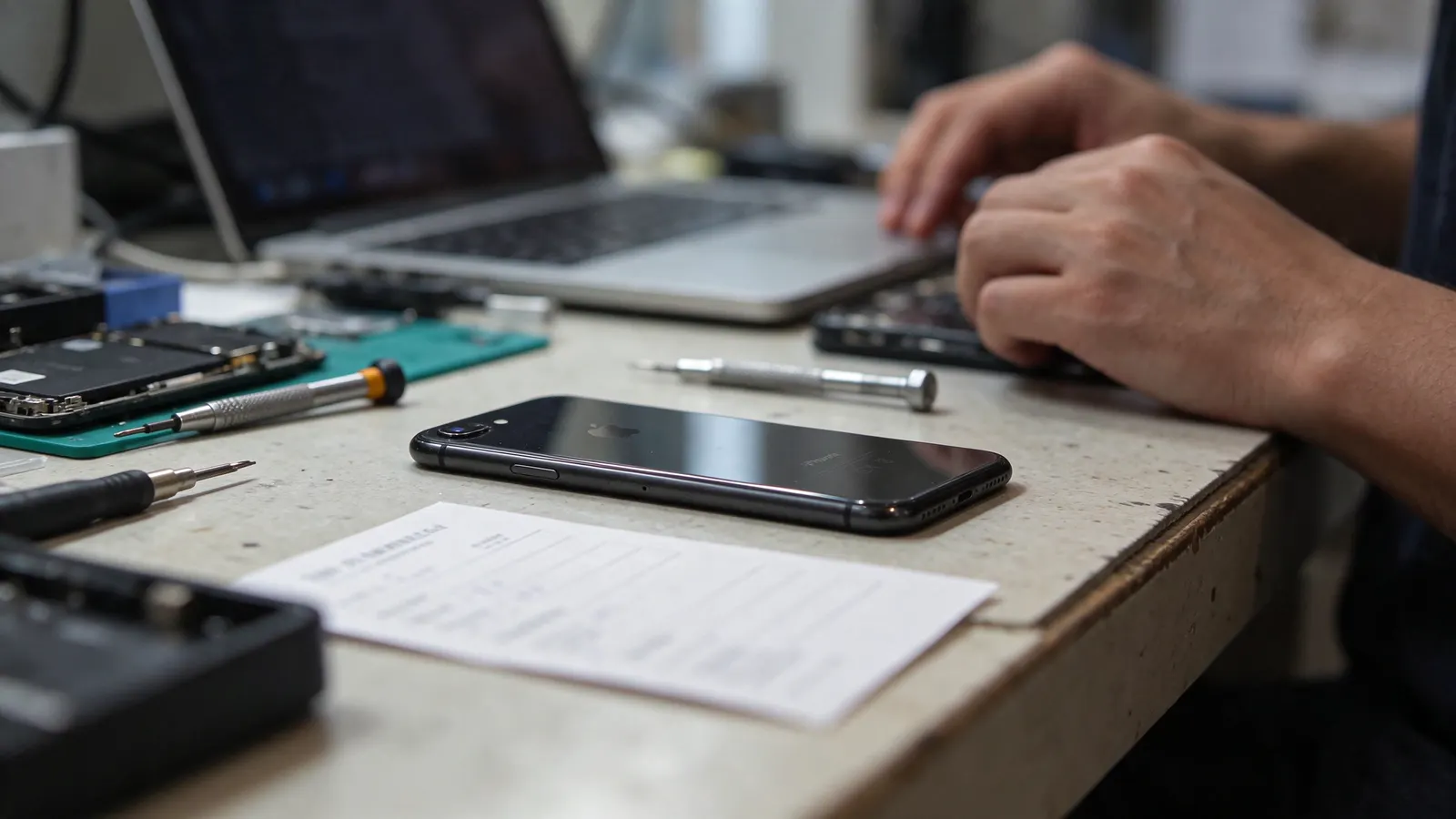
A shop that replaces a screen, battery or camera usually wants to test the phone afterwards, and testing means unlocking it. So the repair form asks for your passcode. Apple's own service usually doesn't need it, but plenty of independent shops do.
That passcode is not just a key to the home screen. It also opens:
- the Hidden album, when Face ID isn't available or is skipped;
- Recently Deleted, with 30 days of photos you thought were gone;
- apps you locked with Face ID, which fall back to the passcode;
- Notes locked with the device passcode.
Most technicians are professionals who don't care about your photos. The risk is rarely malice. It's a phone left unlocked on a shared bench, a camera test that opens Photos, a swipe that goes one picture too far. You can't control that. You can control what the passcode opens.
Before You Go: The Twenty Minute Version
- Back up. Settings > [your name] > iCloud > iCloud Backup > Back Up Now, or back up to a computer. If the repair goes badly, this is your library.
- Move private photos into a vault. Import them into an encrypted vault app with its own code, open a few to check, then delete the originals from Photos.
- Empty Recently Deleted. Photos > Collections > Utilities > Recently Deleted > select all > Delete.
- Clean up chats. Private photos in Messages or WhatsApp threads are one tap from the home screen. Delete what you don't need there.
- Sign out of anything sensitive you can't lock. Banking apps and email are usually protected by their own logins, but check.
- Ask what the shop needs. If the repair doesn't need testing, like some back glass repairs, ask whether you can keep the passcode to yourself.
Find My and Activation Lock
Repairs and Find My have a complicated relationship. On older iOS versions, Apple asks you to turn Find My off before service. Newer versions add a repair mode that keeps Find My and Activation Lock on while the phone is in the shop, so nobody else can claim it. Follow Apple's current instructions for your iOS version, and turn Find My back on as soon as you get the phone back.
Neither option hides a single photo. Find My protects the device, not what's on it.
If You Can't Prepare in Time
Sometimes the phone is barely working and you don't get twenty minutes.
- If the screen works, do at least step 2 and step 3 for the photos that matter most.
- If it doesn't, and you can't back up or move anything, consider whether a shop that doesn't need the passcode can do the repair, or whether erasing the phone first and restoring from a recent backup afterwards is the safer path. Erasing only makes sense if you're sure the backup is complete.
After the Repair
- Check that everything works and Face ID is back.
- Change your passcode if you gave it out. It takes a minute and closes the door completely.
- Turn Find My back on if you turned it off.
- Your vault is untouched. Its code was never on the repair form.
Where Hidero Fits
Hidero keeps photos encrypted behind a code that's separate from your passcode and that the iPhone itself can't reset, so a repair ticket with your passcode on it doesn't open your vault. Hidero also locks the moment you leave the app and shows nothing in the app switcher. It's coming to the App Store in January 2027.
Questions
Do repair shops need my iPhone passcode?
Many independent shops ask for it so they can test the phone after replacing a screen, battery or camera. Apple says it won't ask you for your passcode, although some support steps ask you to type it in yourself. If you're unsure, ask the shop why they need it and whether the repair can be done without it.
Can a repair shop see my Hidden album?
If they have your passcode, yes. The Hidden album falls back to the device passcode when Face ID isn't used, and so does Recently Deleted.
Should I erase my iPhone before a repair?
Only if you have a complete, recent backup and you're happy to restore from it afterwards. For most people, moving private photos into a vault and emptying Recently Deleted is quicker and less risky.
Should I change my passcode after a repair?
Yes, if you gave it to the shop. It's a one-minute change in Settings > Face ID & Passcode.
Sources
- Apple Support: Prepare your iPhone or iPad for a service appointment
- Apple Support: How to recover deleted photos
- Apple iPhone User Guide: Lock or hide an app on iPhone