Body Progress Photos: Fitness, Pregnancy and Change
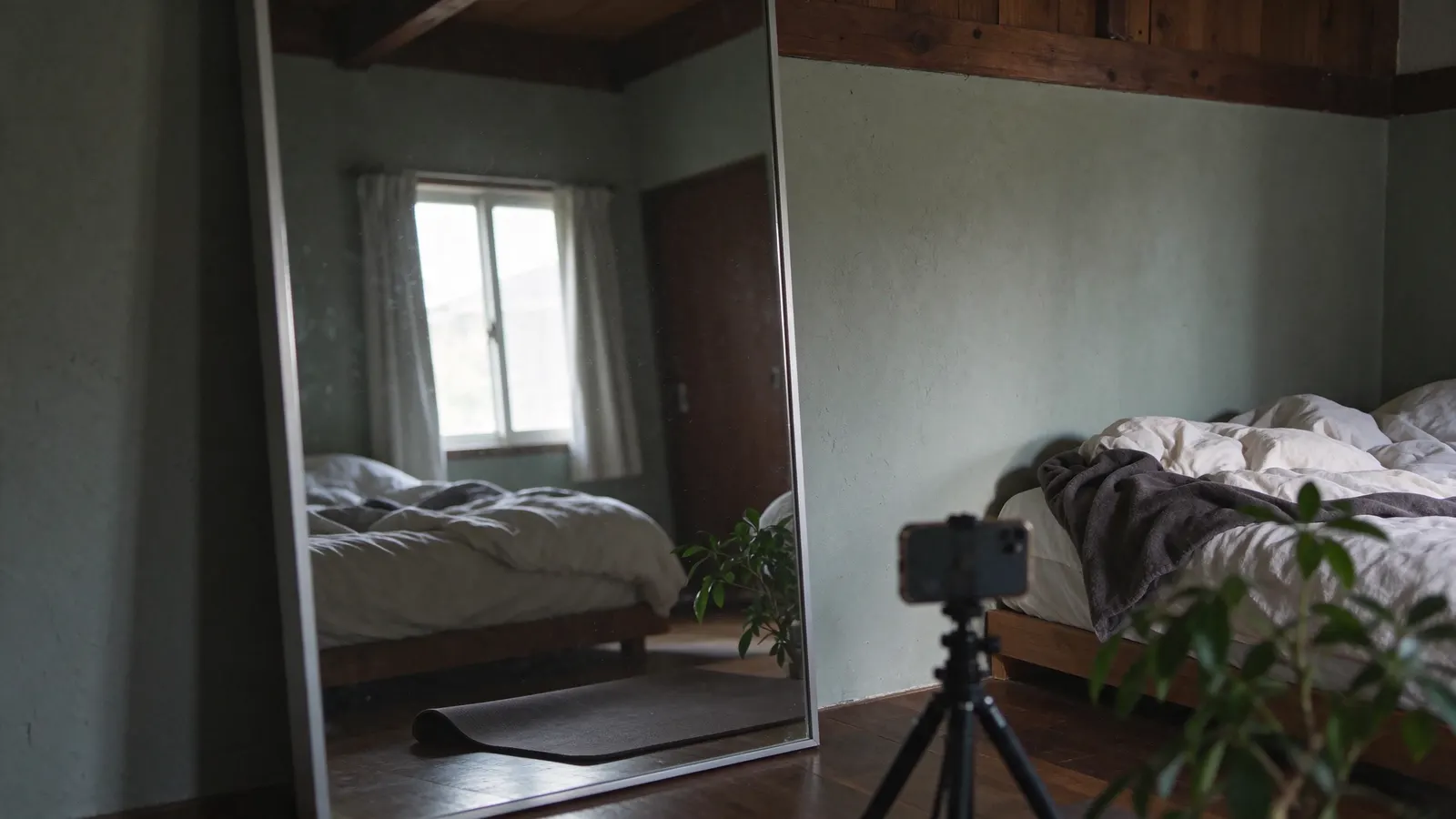
Take progress photos inside an encrypted vault, or move them there right after, in one dated album. Keep the setup identical each time: same spot, light, distance and time of day. That keeps months of very personal pictures out of the camera roll, Memories and iCloud Photos, while still giving you a clean before-and-after whenever you want to look.
Why People Take Them, and Why They Hide Them
Progress photos are one of the most honest tools there is. Scales and tape measures miss a lot; photos don't. People take them for training, weight loss, recovery after surgery, pregnancy week by week, skin conditions, and gender transition.
They're also the photos people least want anyone else to see. They're taken in underwear or less, often in the bathroom, on days you don't feel great. And they're taken for months, so they pile up in the camera roll and appear in Memories and "one year ago" suggestions at the worst moments.
A Private Routine
- Make one album in an encrypted vault: "Progress", "Bump", or whatever you like.
- Shoot inside the vault if it has a camera. Otherwise move each photo in right away and delete the original.
- Empty Recently Deleted once a week, or after each session.
- Turn off featured photos (Settings > Apps > Photos > Show Featured Content) so any strays don't resurface.
Make the Photos Comparable
The value is in comparing, so keep everything the same:
- Same place and light. Daylight from the side, or the same lamp.
- Same distance. A mark on the floor, or a small tripod.
- Same time of day. Bodies change a lot between morning and evening.
- Same poses. Front, side, back. Relaxed, not flexed, unless you always flex.
- Same clothing. Or the same lack of it.
Once a month, put two photos side by side. You'll see more than any number tells you.
If You Share Them
Sharing with a coach, a doctor or a partner is fine. Send only the photos needed, remove location first (a bathroom photo carries your home's GPS position), and ask them not to keep the pictures in their camera roll either. Our free metadata remover cleans photos in the browser without uploading them.
Where Hidero Fits
Hidero's encrypted camera takes photos straight into the vault, so progress pictures never appear in Photos, Memories or iCloud Photos. Each one is encrypted on your iPhone with its own key and opens only with your code. Hidero is coming to the App Store in January 2027.
Questions
Where should I keep progress photos?
In an encrypted album with its own code, not the camera roll. That keeps them out of Memories, iCloud Photos and anyone's swipe.
How do I stop old progress photos showing up in Memories?
Move them out of Photos, or hide them, and turn off Show Featured Content in Settings > Apps > Photos.
How often should I take progress photos?
Weekly or every two weeks is common. Consistency of setup matters more than frequency.
Sources
- Apple Support: Hide photos with the Hidden album
- Apple Personal Safety User Guide: Manage location metadata in Photos