Medical Photos and Records
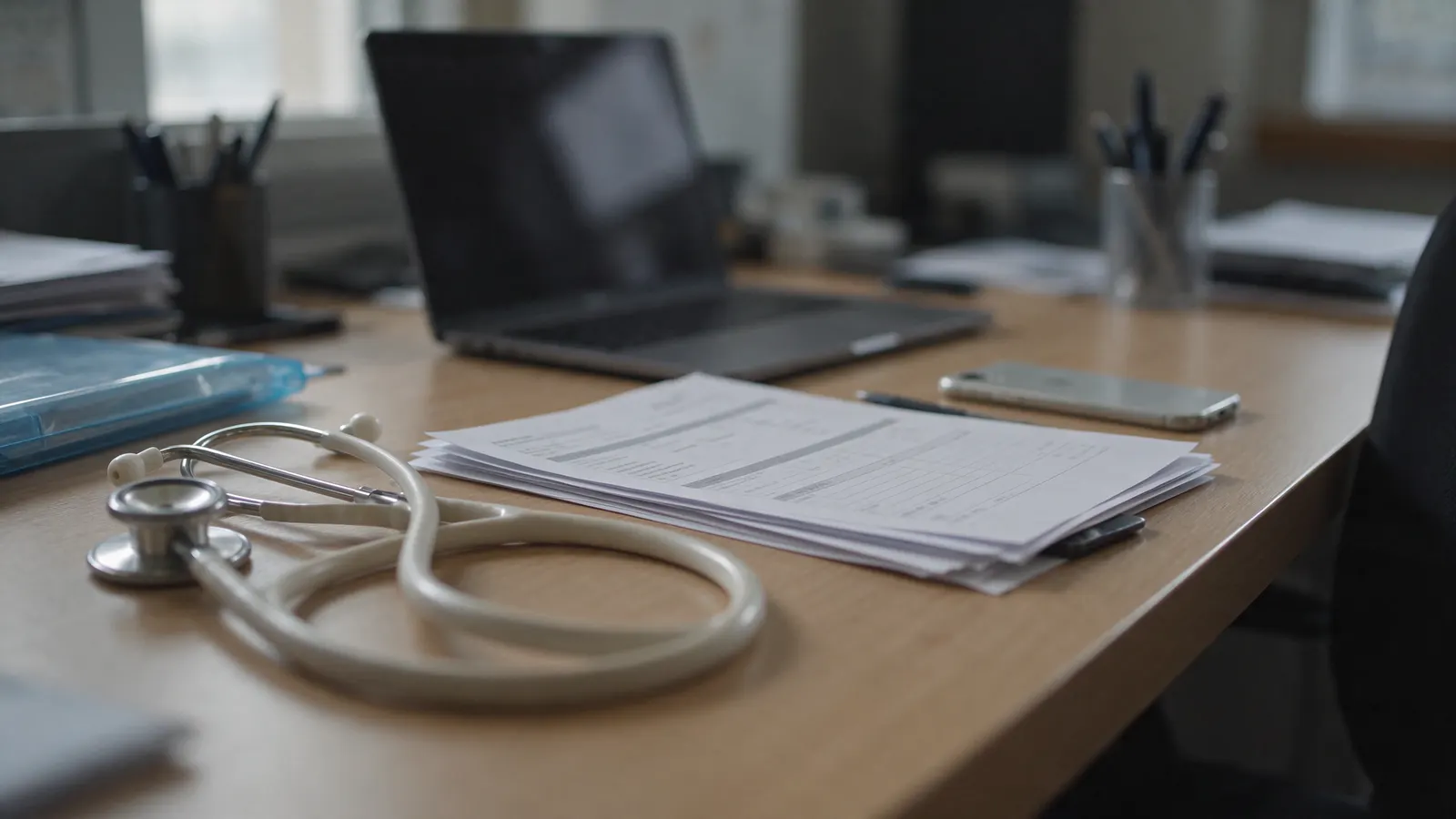
Keep medical photos and documents in one encrypted place instead of the camera roll. Take or move them into a vault album like "Health", delete the originals and empty Recently Deleted, and share with your doctor only through the channel they ask for. Date your photos clearly when you track something over time, and keep an encrypted backup so the history survives a lost phone.
Why Medical Photos Are Different
We photograph a lot of health information: a mole you're watching, a rash for the dermatologist, a wound healing, a child's fever chart, a prescription, a lab result on paper, insurance cards. It's useful. Doctors often ask for exactly these photos.
It's also some of the most sensitive data you own. A diagnosis can affect a job, insurance, relationships. And in the camera roll, these photos sit between birthday pictures and memes, show up in search ("rash", "pill", "report"), sync to every device, and can appear in Memories.
A Calm Setup
- Make one place for health. An album called "Health" in an encrypted vault, or one per person if you look after family members.
- Move existing photos. Search Photos for words like "prescription", "result", "report", "scan", "pill" and for document screenshots. Move them into the vault and delete the originals.
- Empty Recently Deleted.
- Clean the chats. Results sent to a partner or family group stay there. Delete the ones you don't need.
- New photos go straight in. Take them with the vault's camera if it has one.
Tracking Something Over Time
If you photograph a mole, a scar or a skin condition to show change, consistency matters more than resolution:
- Same light, same distance, same angle.
- Put a ruler or coin next to it for scale.
- Keep the date in the file or the name; some vaults keep the original date when you import.
Sharing With a Doctor
Use the channel the practice asks for: a patient portal, a secure upload link, or a message through an official app. Avoid sending medical photos through social media or to personal email addresses. If you send by email, remove location from the photo first, since a photo taken at home can carry your address in its metadata; our free metadata remover does it in the browser.
Caring for Someone Else
If you manage records for a child, a parent or a partner, keep them in separate albums and make sure the person, or another trusted family member, can reach them if something happens to you. A vault with a recovery phrase kept in a known safe place solves that without sharing your everyday code.
Where Hidero Fits
Hidero keeps medical photos and, in Pro, documents and notes encrypted on your iPhone behind your own code. Its camera shoots straight into the vault, location is removed on import unless you turn it off, and an encrypted backup keeps the history safe if the phone is lost. Hidero is coming to the App Store in January 2027.
Questions
Is it safe to keep medical photos on my phone?
It's safe if they're encrypted and kept out of the camera roll, chats and shared albums. In the normal Photos library they're searchable, synced and one swipe away.
Can iPhone search find my medical photos?
Yes. Photos recognises objects and text, so searching for words like "prescription" can find them. Photos inside an encrypted vault aren't indexed by iPhone search.
How should I send medical photos to a doctor?
Through the practice's patient portal or the method they recommend. Remove location metadata before sending by email.
Sources
- Apple Personal Safety User Guide: Manage location metadata in Photos
- Apple Support: How to recover deleted photos