Crossing a Border With Your Phone
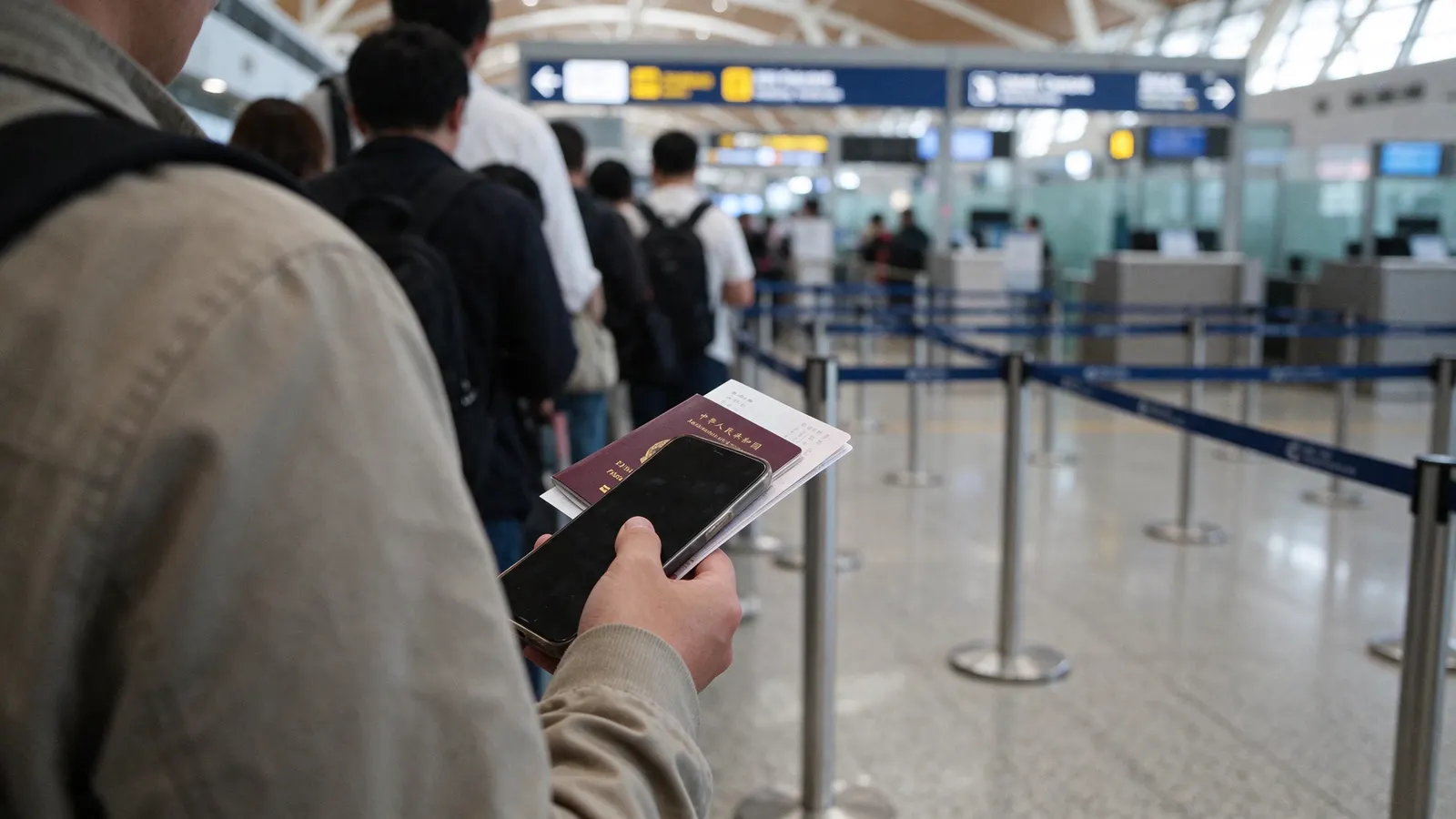
Rules differ by country, and officers often have broad powers to search devices. Before you travel, carry less: back up and remove what you don't need on the trip, keep private photos in an encrypted vault with a strong code, and power the phone off before the checkpoint so it's fully locked. Be honest with officers, and don't rely on any app to win an argument at a border.
What Can Happen
In many countries, border officers can inspect phones without the kind of warrant needed elsewhere. They may scroll through your photos, ask you to unlock the phone, or in some cases copy its contents. Refusing can mean delays, a seized device, or, for visitors, being refused entry. Citizens and visitors often have different rights.
This guide isn't legal advice. If you face real legal risk, as a journalist, activist, lawyer or someone with a sensitive immigration case, talk to a lawyer or an organisation that specialises in it before you travel.
Before You Travel
- Carry less. The safest photo is the one that isn't on the phone. Back up what you don't need on the trip and remove it from the device.
- Keep an encrypted backup at home or in the cloud, so a seized or wiped phone isn't a disaster.
- Put what must travel into an encrypted vault with a long passphrase rather than a short code.
- Clean up the obvious places. Recently Deleted, chats, Downloads and screenshots are where officers look first, because they're quick.
- Know your passwords by heart. Biometrics can be used without your cooperation in some places; a memorised code is harder to compel in others.
At the Checkpoint
- Power the phone off before you reach the desk. A freshly started iPhone stays locked until the passcode is entered, and Face ID doesn't work until then.
- Stay calm and polite. Don't lie to officers; lying can be a crime in itself.
- If the device is taken, ask for a receipt and the officer's name, and change your important passwords afterwards.
About Decoys and Emergency Codes
Decoy vaults can help in a quick look, but a trained examiner may notice that an app uses more storage than its contents explain. Emergency codes that delete data can be treated as destroying evidence in some countries. Read Decoy Vaults: When They Help and Where They Stop before you count on either.
Where Hidero Fits
Hidero encrypts photos on the iPhone, ties the key to the phone's security chip and opens only with your code, so a copy made of the phone can't be cracked elsewhere. For high-risk travel, Maximum mode accepts only a passphrase or emoji, requires Face ID with no passcode fallback, and erases its keys after 10 wrong attempts. Hidero is coming to the App Store in January 2027.
Questions
Can border officers search my phone?
In many countries, yes, with fewer limits than inside the country. The rules depend on where you are and your status. Check current guidance for your destination.
Should I turn off my phone at the border?
Turning it off before the checkpoint puts it in its most locked state: the passcode is needed before Face ID works again and before data can be read.
Is it legal to use a decoy vault at a border?
Using an app is generally legal. Lying to officials or deleting data during an inspection can be illegal in some countries. Get legal advice if you're at risk.
Sources
- Electronic Frontier Foundation: Digital Privacy at the U.S. Border
- Electronic Frontier Foundation: Journalist security checklist: preparing devices for travel through a US border