A Shared Family iPad or iCloud
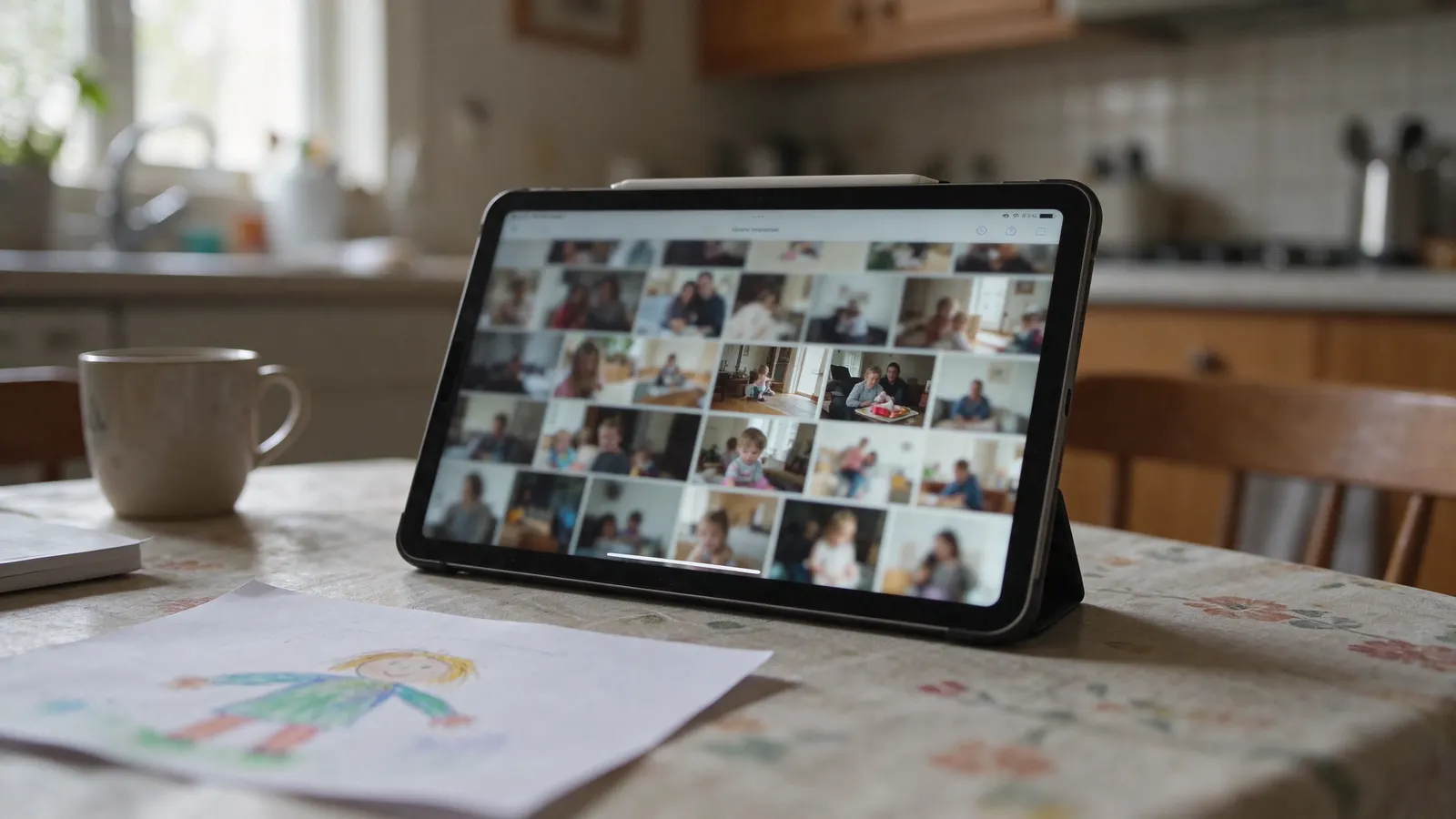
If a family iPad or Mac is signed in to your Apple Account with iCloud Photos on, it shows your entire photo library, including the Hidden album to anyone with that device's passcode. Give shared devices their own Apple Account or turn off iCloud Photos on them, check Shared Albums and the Shared Library, and keep personal photos in an encrypted vault that doesn't sync to shared devices.
How It Happens
It usually starts with convenience. You set up the family iPad with your Apple Account because it was quicker. Or an old Mac in the living room is still signed in. Or you and a partner shared one account years ago and never separated.
With iCloud Photos on, every device signed in to your account gets your whole library: holiday photos, screenshots, and also the pictures you'd never show the family. Hidden photos stay hidden there too, but they open with that device's passcode, which on a shared iPad everyone knows.
Find Out Where Your Photos Are
- On your iPhone, open Settings > [your name] and scroll down to the list of devices.
- Each device signed in to your account is there. Tap any you don't recognise or no longer use and remove it.
- On each shared device, check Settings > [name at the top]. If it's your name, that device sees your library.
Untangle It
- Give the shared device its own Apple Account, or a child account through Family Sharing. Family Sharing shares purchases and subscriptions, not your photos.
- Or turn off iCloud Photos on the shared device: Settings > Apps > Photos > iCloud Photos. Choose to remove the photos from that device.
- Check Shared Albums. Albums you share with family are visible to everyone in them. Remove anything that shouldn't be there.
- Check the iCloud Shared Photo Library. If you use one, look at the Camera setting that sends new photos to it automatically, and move personal photos back to your personal library.
Keep Personal Photos Personal
Even after untangling, the safest setup for private photos is a vault on your own phone that doesn't sync to shared devices. If you want the vault on your iPad too, make sure the iPad is yours, not the family one.
Where Hidero Fits
Hidero keeps private photos encrypted on your iPhone behind your own code. It doesn't put anything into iCloud Photos, and sync to an iPad is an optional Pro feature that only works between devices you set up with your vault. Hidero is coming to the App Store in January 2027.
Questions
Can my family see my photos on our shared iPad?
If the iPad is signed in to your Apple Account with iCloud Photos on, yes, your whole library is there. The Hidden album opens with the iPad's passcode.
Does Family Sharing share my photos?
No. Family Sharing shares purchases, subscriptions and some features. Photos are shared only through Shared Albums, a Shared Library or a shared Apple Account.
How do I stop my photos syncing to an iPad?
Turn off iCloud Photos on that iPad, or sign it out of your Apple Account and give it its own.
Sources
- Apple Personal Safety User Guide: Manage Photos sharing settings
- Apple Support: Hide photos with the Hidden album